
Find Bridgeport Criminal Court Records
Searching for Bridgeport criminal court records starts here. Our site helps you find case information fast. Bridgeport operates one of the busiest criminal courts in Connecticut. You can access records online or visit the courthouse. The city handles thousands of cases each year. Criminal court records include arrests, charges, and convictions. You may need these documents for personal review. The court system maintains detailed case files. Bridgeport residents can search for active and closed cases. Our resources point you to official state portals. We guide you through the search process step by step. Finding court records should not be hard. Let us help you locate the information you need today.
Bridgeport Courthouse Information
The GA 2 at Bridgeport courthouse stands at 172 Golden Hill Street. The full address is 172 Golden Hill Street, Bridgeport, CT 06604. This facility handles criminal matters. It serves as a key judicial hub. The court processes cases from Bridgeport and nearby towns. It serves Easton, Fairfield, Monroe, Stratford, and Trumbull. Each day, staff manage many filings. You can reach the Clerk's Office by phone. Call (203) 579-6568 for assistance. Fax documents to (203) 382-8408. The building houses courtrooms and offices. Judges hear cases here daily. Court staff work hard to serve the public.
The Court Service Center offers help to visitors. Staff there answer questions about forms. They guide people through court procedures. The center sits near the main entrance. Signs point the way. Parking is available on surrounding streets. Arrive early to find a spot. The Judicial District courthouse sits at 1061 Main Street. This address is 1061 Main Street, Bridgeport, CT 06604. This separate building handles civil and family cases. Criminal matters stay at Golden Hill Street. Both courts operate under the Connecticut Judicial Branch.
The Adult Probation office can be reached at (203) 576-3654. They supervise offenders in the community. The Public Defender's office is at (203) 579-6555. They represent indigent defendants. The State's Attorney's office is at (203) 579-6178. They prosecute criminal cases. Multiple agencies work together here. The system strives for justice. Cases move through at varying speeds. For detailed directions to the courthouse, visit Bridgeport GA 2 directions.
You can view the Connecticut Judicial Branch website for more information about the court system. The site at jud.ct.gov provides valuable resources for litigants and the public. The homepage shows current news and updates. You can find links to online services there. The site includes forms and instructions. This helps people navigate the courts. The image below shows the official state portal.
You can access the Connecticut Judicial Branch homepage to learn more about court services statewide. 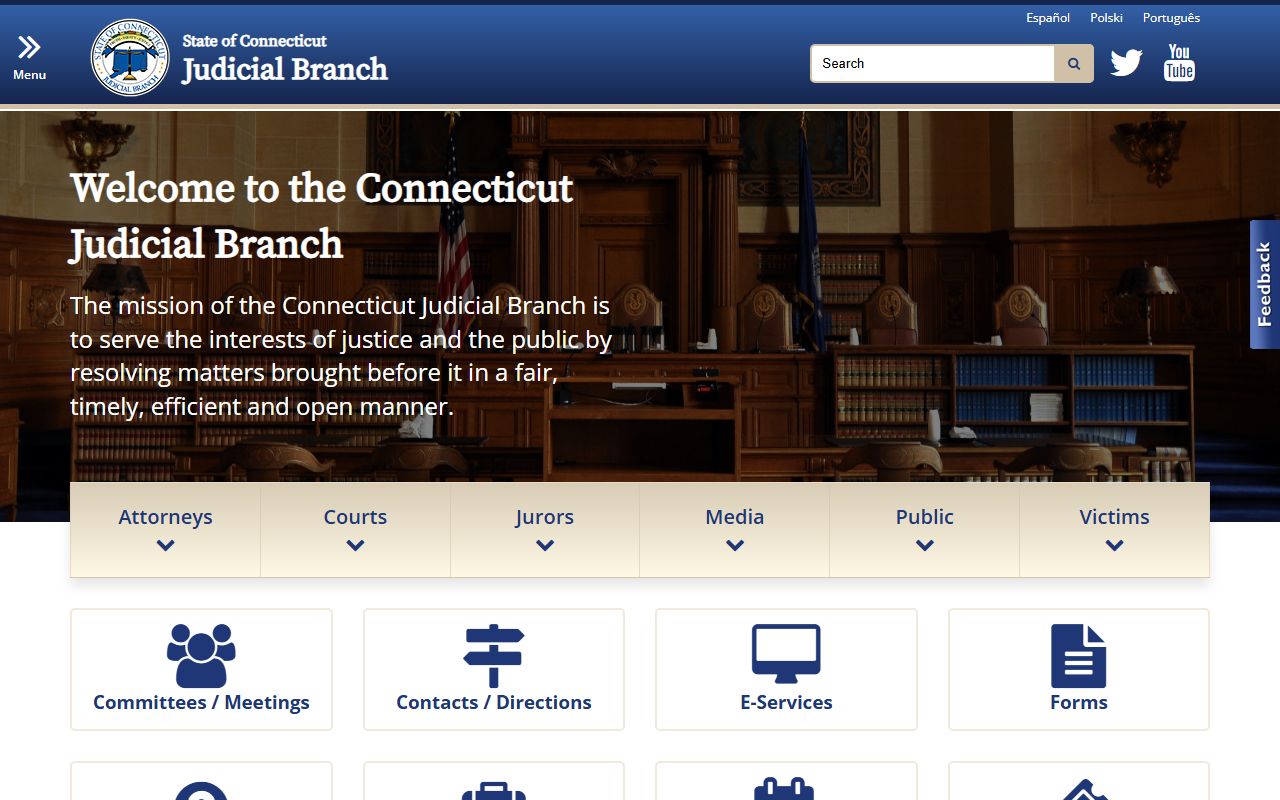 This portal connects you to case lookup tools. It also provides court rules and procedures. The site serves as a hub for all things related to Connecticut courts.
Note: Call ahead to confirm hours before visiting the Bridgeport courthouse in person.
How to Search Bridgeport Criminal Records
Finding court records in Bridgeport requires knowing where to look. The state provides several online tools. These help you search without visiting the court. Start with the Case Look-up Portal. This free service shows case details. You can search by name. You can also search by case number. Results display charges and dates. They show outcomes too. The system updates daily. It includes most criminal cases. Some older records may not appear online. Paper files may still exist.
For conviction records, use the Convictions Search. This database shows final judgments. It covers statewide criminal convictions. You will need the defendant's name. Results show conviction dates. They also show sentences imposed. The data comes from court clerks. It is accurate and current. You can search by disposition date. This helps find recent convictions. The tool is free to use. No account is required.
For pending matters, visit the Pending Case Search. This tool shows active criminal cases. It helps you track ongoing proceedings. You can see upcoming court dates. The search covers all Connecticut courts. Bridgeport cases appear here too. Each search tool serves a different purpose. You may need to check multiple databases. Some records require in-person requests. The online systems have limits. They do not show sealed cases. Juvenile records stay confidential. Always verify information with official court documents.
The image below shows the case lookup portal interface. You can see the search options available to users.
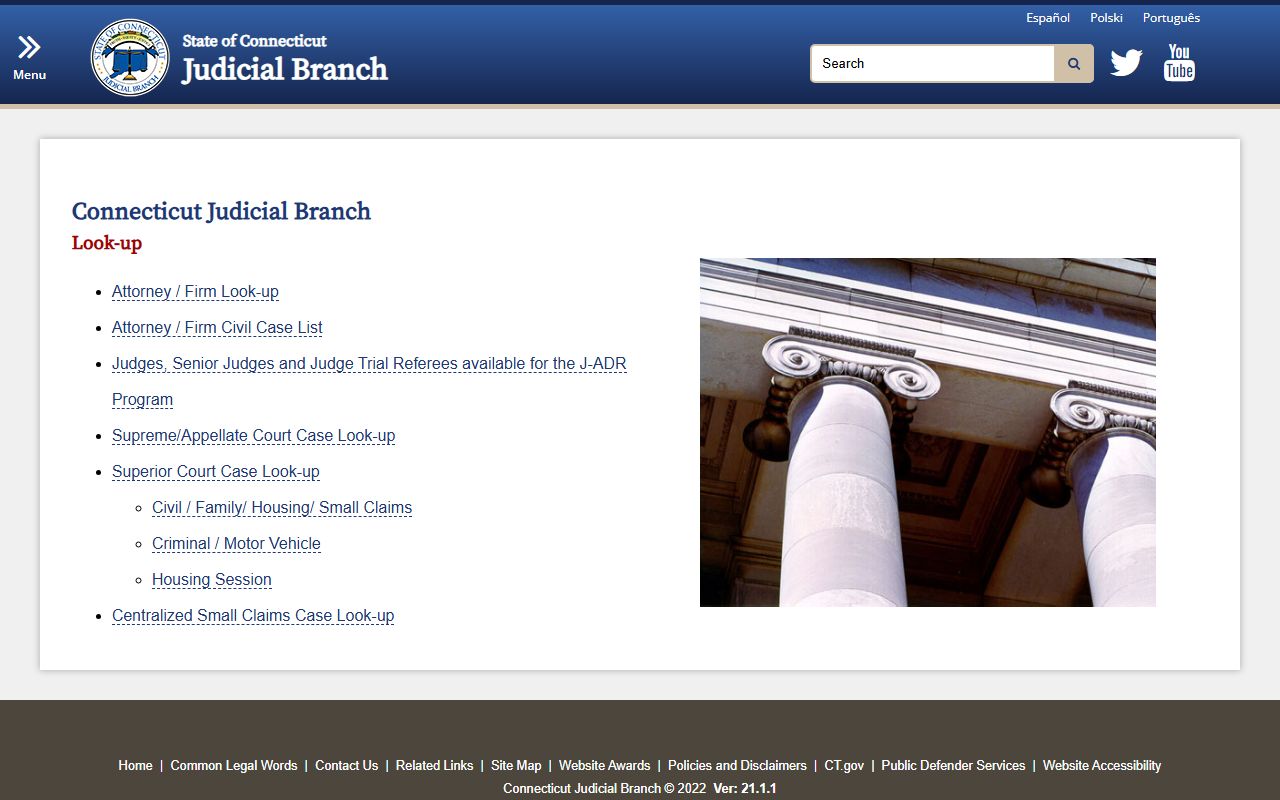 This portal lets you find cases by party name or docket number. The system returns results quickly. You can view case history and scheduled events. This helps you stay informed about case status.
Online data works best for initial searches. Court clerks can confirm final details. Bring identification when visiting. Be ready to pay copy fees. Criminal cases, court documents, and conviction records are all accessible through proper channels. Bridgeport maintains comprehensive records for all matters heard at GA 2.
Getting Copies of Court Documents
You may need paper copies of court documents. The court keeps files for every case. These include complaints and motions. They also include judgments and orders. You can request copies in person. Visit the Clerk's Office at GA 2. Staff will locate your file. They charge fees for copying. Most pages cost one dollar each. Certified copies cost more. Bring exact change if possible. The office accepts cash and checks. Credit cards may not be available.
Call (203) 579-6568 to ask about current fees. Request forms are available on site. Fill out the form completely. Include the case number. Add the party names too. The clerk needs this to find your file. Be specific about what you need. Ask for the complete file or select pages. The staff will review your request. They will tell you the total cost. Payment is required before copying begins. Large files take more time. Come prepared to wait.
Mail requests are also possible. Send a letter to the court. Include your contact information. Describe the documents you need. Enclose payment for estimated costs. Processing takes several days. Complex requests may take weeks. The court handles many orders daily. Rush service is not guaranteed. You can also use the guide at How to Obtain Court Records. It explains the process in detail. The site lists current fee schedules. Some records may be restricted. Victims and defendants have different access rights. Third parties face more limits.
The FOIA Guide explains public access rules. Not all documents are public. Some records remain confidential by law. The guide helps you understand your rights. It covers exceptions to public access. You can learn about redacted information. The court must protect sensitive data. This includes social security numbers. It also includes medical information. Privacy laws apply to court records.
The following image shows information about obtaining court records in Connecticut. 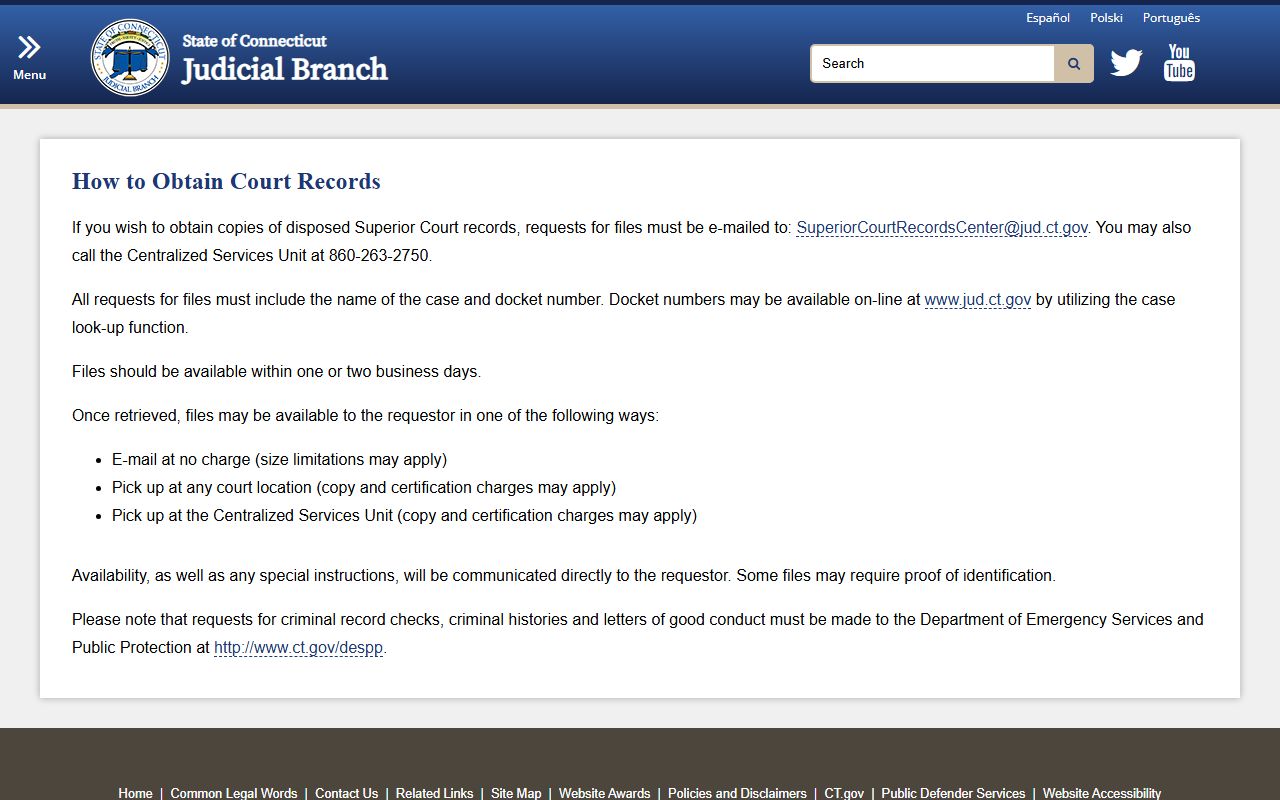 This resource explains the steps for requesting documents. It includes fee information and contact details. The guide helps you navigate the process successfully.
Note: Allow five to seven business days for mail requests to be processed and returned.
Nearby Courts and Resources
Bridgeport residents may need other nearby courts. Several judicial facilities serve the region. The Superior Court in Fairfield handles some civil matters. Stratford has a local courthouse too. Each serves different case types. Know which court has your records. The state directory helps you find locations. Visit Bridgeport Court Directions for maps. The page shows parking info. You can also check Court Directions statewide. This provides routing details for all courts.
Public transit serves the courthouse area. Buses stop near Golden Hill Street. The train station is close by. Walking from the station takes ten minutes. Plan your trip in advance. Allow extra time for security screening. The courthouse has metal detectors. Bags are subject to search. Leave unnecessary items at home. This speeds up entry. Cell phones must be silenced. Recording is not allowed in courtrooms. Follow all posted rules.
For statewide court locations, see the directory. You can search by town or county. Each listing includes address and phone. Hours vary by location. Most open at nine in the morning. They close at five in the afternoon. Some close earlier on Fridays. Always check before you go. For criminal history checks, contact DESPP. They handle fingerprint-based searches. This differs from court case lookups. State police records show arrests. Court records show case outcomes. Both sources may be useful. Choose the right resource for your needs.
Bridgeport connects you to all these services. Start your search today. Court records are within reach.